Logging
Omnibear offers logging to help you troubleshoot any issues when authenticating to your site or posting to your micropub endpoint.
Enable logging
Go to the settings page and check the box labeled “Record debug logs” to enable logging.
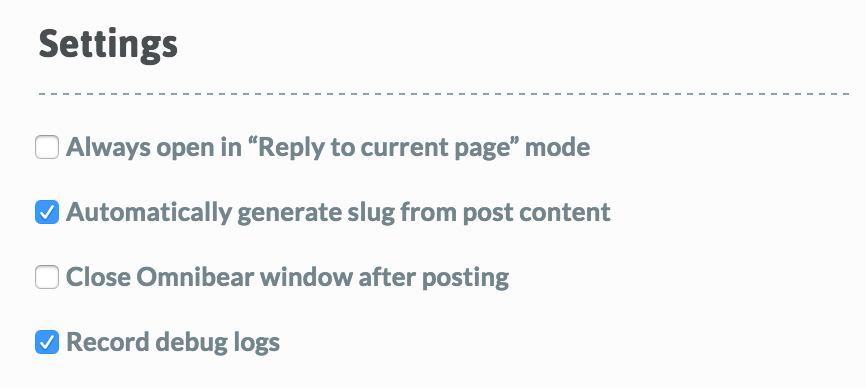
Unchecking this box and saving settings will delete existing logs. “Info” and “warning” logs will not be saved while it is unchecked. “Error” logs will save, but they will not be visible until the option is enabled.
Review logs
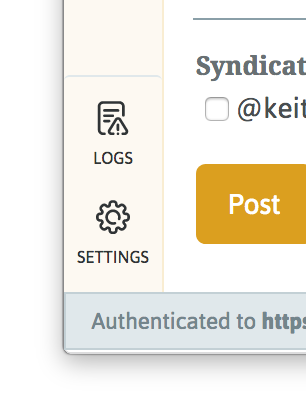
With logging enabled, a “Logs” option will appear in the navigation bar of the Omnibear popup window. Click this to view logs.
All logs will be displayed in this screen. Some logs contain additional information, indicated by a “+” icon. Click the log entry to expand the pane to display the data.
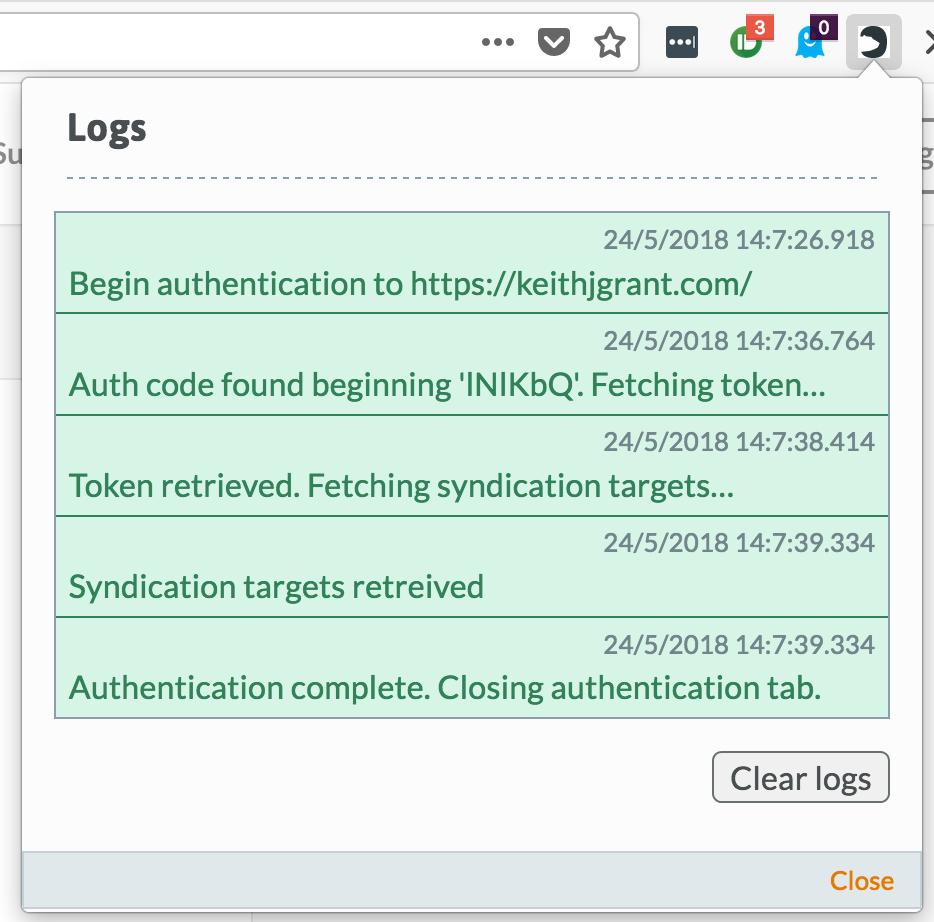
Logs are only stored locally on your machine and are not reported to a server.